
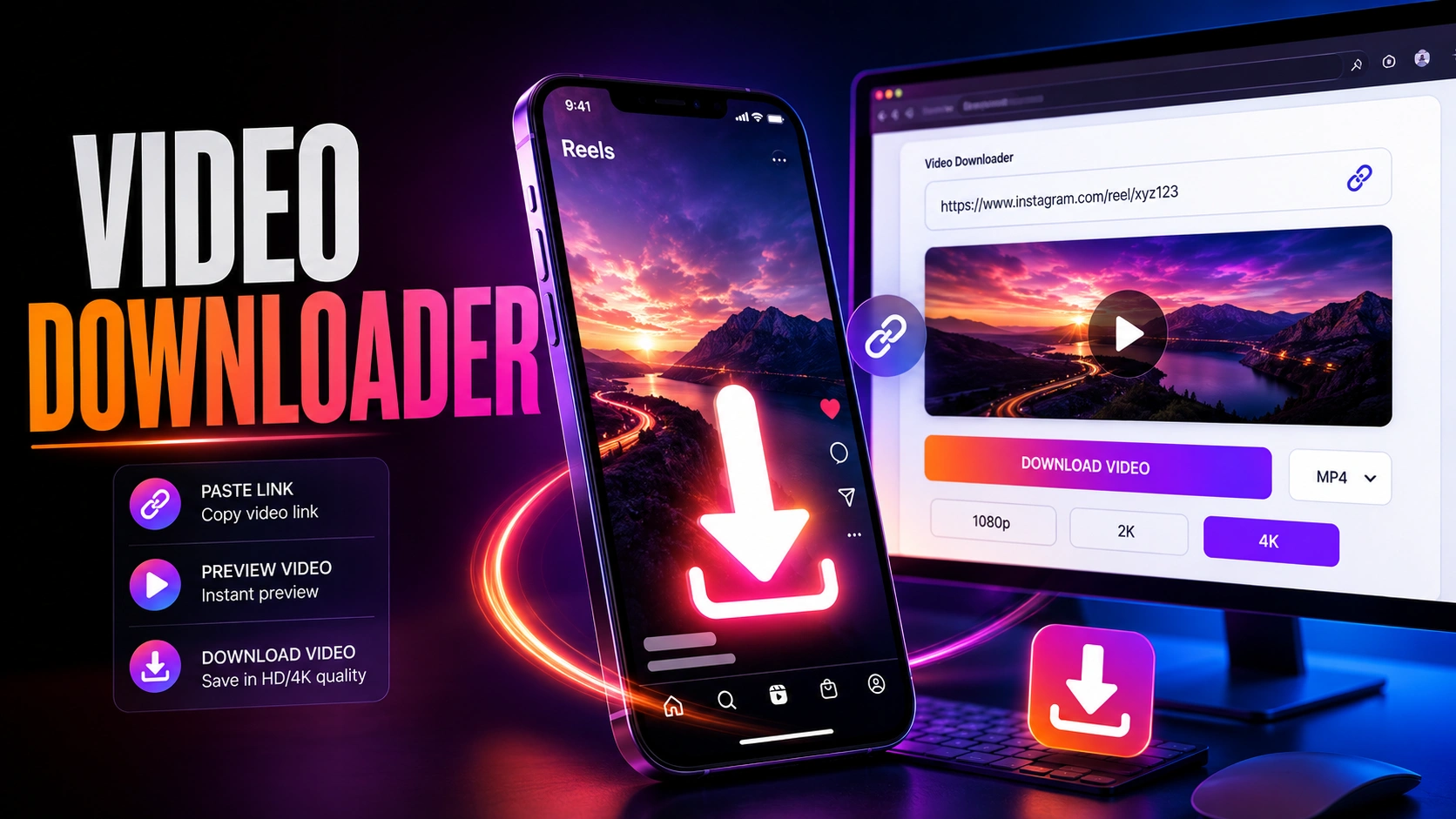
An Instagram video downloader is a tool that can save eligible public Instagram videos or Reels to your device using a video URL. For the safest use, download content you own or have permission to save and reuse, and never use a third-party service to bypass private-account restrictions.
What Is an Instagram Video Downloader?
An Instagram video downloader is a website, application, or browser-based tool designed to convert an eligible Instagram video URL into a downloadable video file.
The typical process is:
- Open Instagram.
- Find the video or Reel.
- Copy its link.
- Paste the link into a compatible downloader.
- Select the available download option.
- Save the video to your device.
An Instagram Reel is Instagram’s short-form video format. An Instagram video downloader may support Reels, feed videos, or other publicly accessible video URLs depending on the service.
How Does an Instagram Video Downloader Work?
Most browser-based downloaders follow a simple URL-based workflow.
Step 1: Copy the Instagram Video Link
Open the Instagram video or Reel you want to save and use Instagram’s sharing controls to copy its link.
Step 2: Paste the URL
Open the downloader website in your browser and paste the copied Instagram URL into its input box.
Step 3: Process the Link
The service attempts to identify the publicly accessible media associated with the URL.
Step 4: Download the Video
If the URL is supported, the service may provide one or more download options. Choose the appropriate option and save the file.
Important: A third-party downloader’s availability and functionality can change when Instagram changes its platform, URLs, media delivery, or access controls.
Can You Download Instagram Videos Without an App?
Yes. A browser-based Instagram video downloader can sometimes save an eligible public video without installing a dedicated application.
This can be particularly convenient for users in India because the process can be performed from common mobile or desktop browsers.
| Method | App Required | Saves Video File | Best Use |
|---|---|---|---|
| Browser downloader | No | Usually | Eligible public videos |
| Instagram Save | No | No | Saving for later inside Instagram |
| Screen recording | No | Yes | Content you are authorized to retain |
| Original video backup | No | Yes | Your own Instagram content |
| Third-party downloader app | Usually | Usually | Use only if trustworthy |
How to Download Instagram Reels on Android
Android users can generally use a browser-based workflow:
- Open Instagram on your Android phone.
- Open the Reel you are authorized to save.
- Tap the sharing option.
- Select Copy Link.
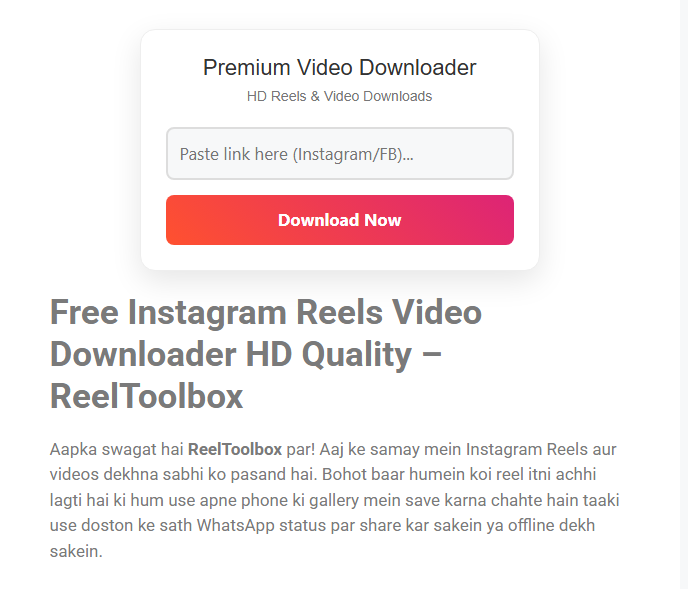
- Open a reputable downloader in your browser. [ Reeltoolbox.com ]
- Paste the Instagram Reel URL.
- Select the available download option.
- Check your Downloads folder or browser download location.
Avoid downloading unknown APK files simply because a website claims that an app is required.
How to Download Instagram Videos on iPhone
The basic process is similar on iPhone:
- Open Instagram.
- Locate the eligible video or Reel.
- Copy its link.
- Open a trusted browser-based downloader.
- Paste the URL.
- Start the download if the content is supported.
- Locate the downloaded file through the browser’s download interface or the Files app.
The exact download location can vary according to the iOS version, browser, and device settings.
How to Download Instagram Videos on a PC
Downloading through a desktop browser follows the same basic process:
- Open Instagram in your browser.
- Open the video or Reel.
- Copy the post URL.
- Open a reputable Instagram video downloader.
- Paste the URL.
- Process the link.
- Download the available video file.
A desktop workflow can be useful when you need to move an authorized video into video-editing or content-management software.
Instagram Video Downloader vs Instagram Save
These two functions are different.
Instagram Save keeps a post accessible inside Instagram through your saved content. An external downloader attempts to create a separate video file on your device.
| Feature | Instagram Save | Video Downloader |
| Saves inside Instagram | Yes | No |
| Creates a local video file | Generally no | Usually |
| Requires third-party website | No | Often |
| Useful for watching later | Yes | Yes |
| Useful for authorized offline file storage | Limited | Yes |
Free Reel Downloader Check This N Try Now
If you only want to find a Reel again later, Instagram’s own Save feature may be preferable to downloading it.
Can You Download Private Instagram Videos?
You should not use an Instagram video downloader to bypass privacy controls.
A private Instagram account restricts its content to an authorized audience. Access to a private video does not automatically grant permission to download, redistribute, or republish it.
For private content:
- Ask the creator for the original video.
- Obtain permission before reusing the content.
- Do not enter Instagram credentials into an unofficial downloader.
- Do not use services claiming to unlock private accounts or private videos.
Is an Instagram Video Downloader Safe?
The safety of a downloader depends on the service and how it handles URLs, advertisements, redirects, downloads, and user information.
Warning Signs to Avoid
Do not use a service that:
- Requests your Instagram password.
- Claims it can unlock private videos.
- Requires an unknown APK or executable file.
- Requests unnecessary browser permissions.
- Generates repeated suspicious pop-ups.
- Uses misleading download buttons.
- Requests unnecessary payment or personal information.
- Redirects you to unrelated websites.
Safer Download Practices
Before downloading:
- Use a current browser.
- Avoid entering Instagram login credentials.
- Check the downloaded file before opening it.
- Keep your phone and computer updated.
- Prefer services that clearly explain what they do.
- Avoid suspicious browser extensions and software.
Instagram Video Downloading and Copyright
Downloading a video does not transfer ownership of that video to you.
If another person created the Reel or video, they may retain copyright or other rights over the content. Saving a video for personal reference and republishing it are different activities.
Before reusing someone else’s Instagram video:
- Get appropriate permission.
- Follow any agreed attribution requirements.
- Do not claim someone else’s content as your own.
- Avoid commercial reuse without the necessary rights.
- Respect applicable copyright and platform rules.
For creators, the best option is to maintain a backup of the original video files instead of relying on third-party downloaders.
Why an Instagram Video Downloader May Not Work
A downloader may fail even when an Instagram URL appears correct.
| Problem | Possible reason |
| Video not found | Post may have been deleted or changed |
| Private content | Content is not publicly accessible |
| Invalid URL | Link may be incomplete or unsupported |
| Download unavailable | Service may not support that Instagram format |
| Low quality | The available source may have limited resolution |
| Download keeps failing | Temporary technical issue |
| Website redirects repeatedly | Downloader may be unreliable |
| Reel no longer opens | Original Instagram content may be unavailable |
Because third-party downloaders depend on Instagram’s publicly accessible content and technical infrastructure, no external downloader can guarantee permanent compatibility.
Best Instagram Video Downloader Practices for India
For users in India, the same basic safety and copyright principles apply.
A practical workflow is:
Instagram → Copy Link → Trusted Browser Tool → Download → Check File → Use With Permission
For Personal Use
If you simply want to keep an authorized video for reference:
- Consider Instagram’s Save feature first.
- Use a downloader only when you genuinely need a local file.
- Keep downloaded files organized.
- Avoid downloading content that you do not have permission to retain.
For Content Creators
If you are downloading your own Instagram videos:
- Keep the original camera file.
- Keep the edited master file.
- Store high-quality exports separately.
- Maintain backups before deleting project files.
- Use downloaded Instagram copies only as secondary backups.
The original file will normally provide better control over resolution, compression, audio and editing than a copy retrieved from a social platform.
Frequently Asked Questions
What is an Instagram video downloader?
An Instagram video downloader is a website, application, or browser tool that can save eligible Instagram videos or Reels as local video files from their URLs.
Can I download Instagram Reels without an app?
Yes. A browser-based downloader can sometimes save eligible public Instagram Reels without installing an additional application.
Can I download a private Instagram video?
You should not use a downloader to bypass Instagram’s privacy controls. Ask the content owner to provide the video or give you permission to save and reuse it.
Can I repost a downloaded Instagram video?
Not automatically. Downloading a video does not transfer copyright or publishing rights. Obtain appropriate permission before republishing someone else’s content.